


One more chapter. Then sleep.
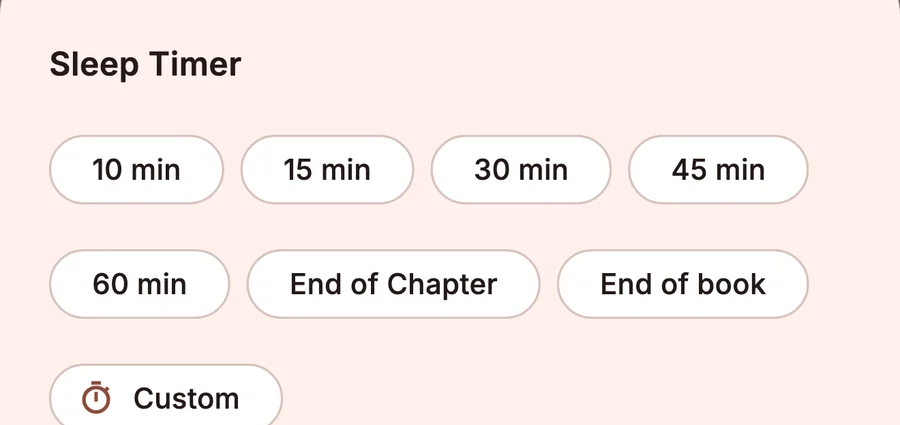
Stop after a set time, after one or more chapters or when the book ends. A soft chime before it stops; shake the phone, skip or turn up the volume for more time, or let it start by itself at night.
Included with Premium
Audia is an offline player for the audiobooks, podcasts and recordings you already own. No account, no ads, no subscription.

Free on iPhone, iPad, Apple Watch and Android. Premium tools are a one-time $8.99.
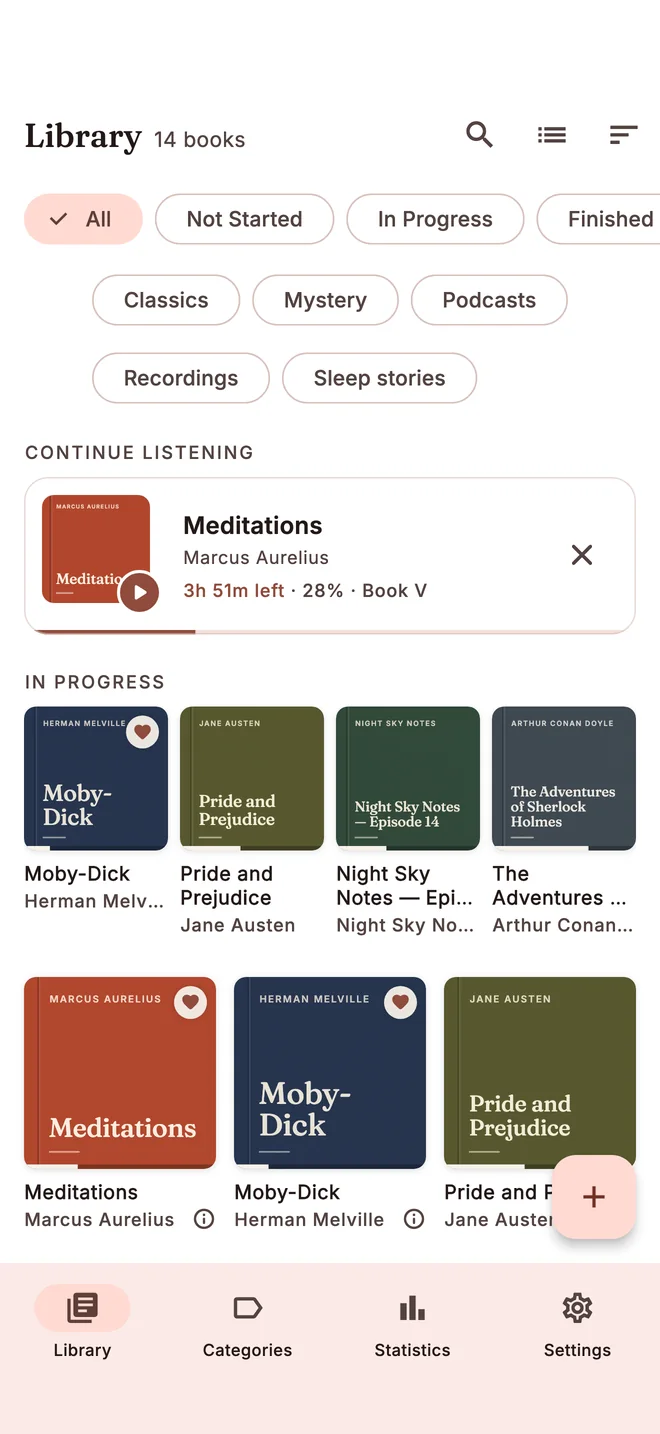
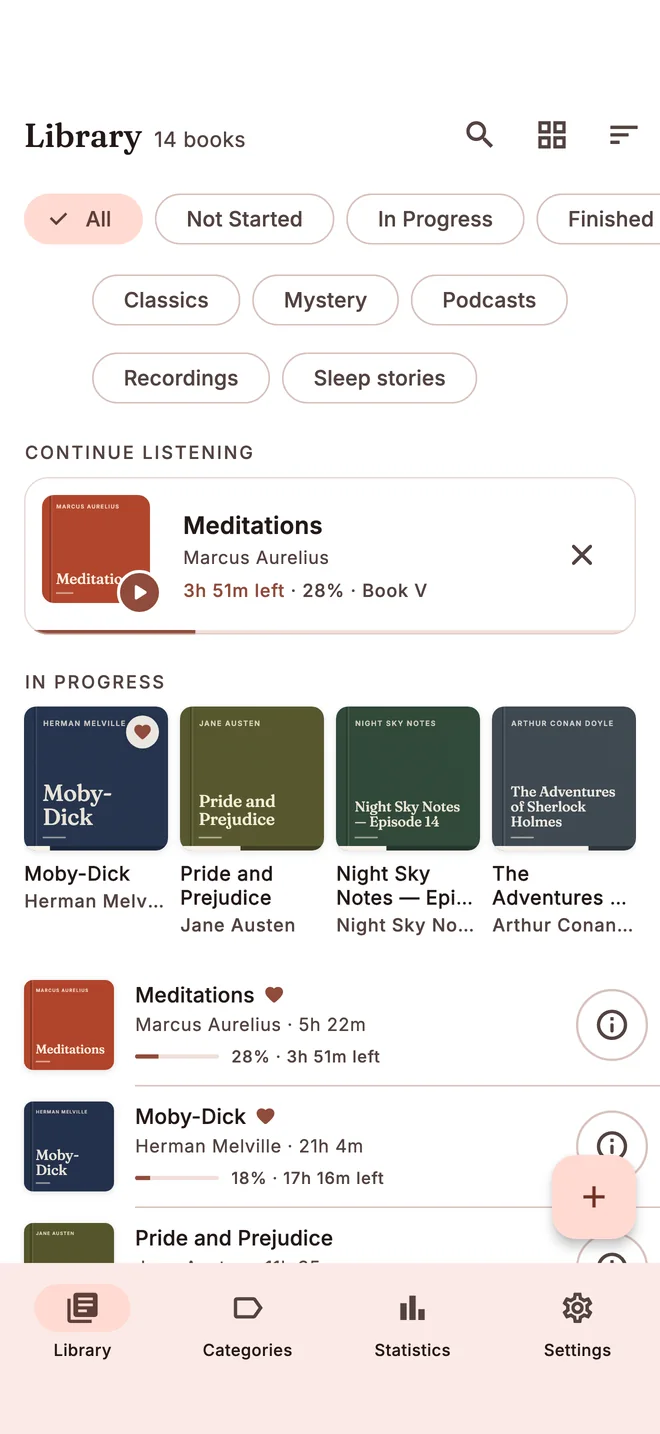
Import a folder or a few files, share them to Audia, or drop in a ZIP — Audia builds your library with covers, chapters, series and where you left off. Books without artwork get a cover of their own.
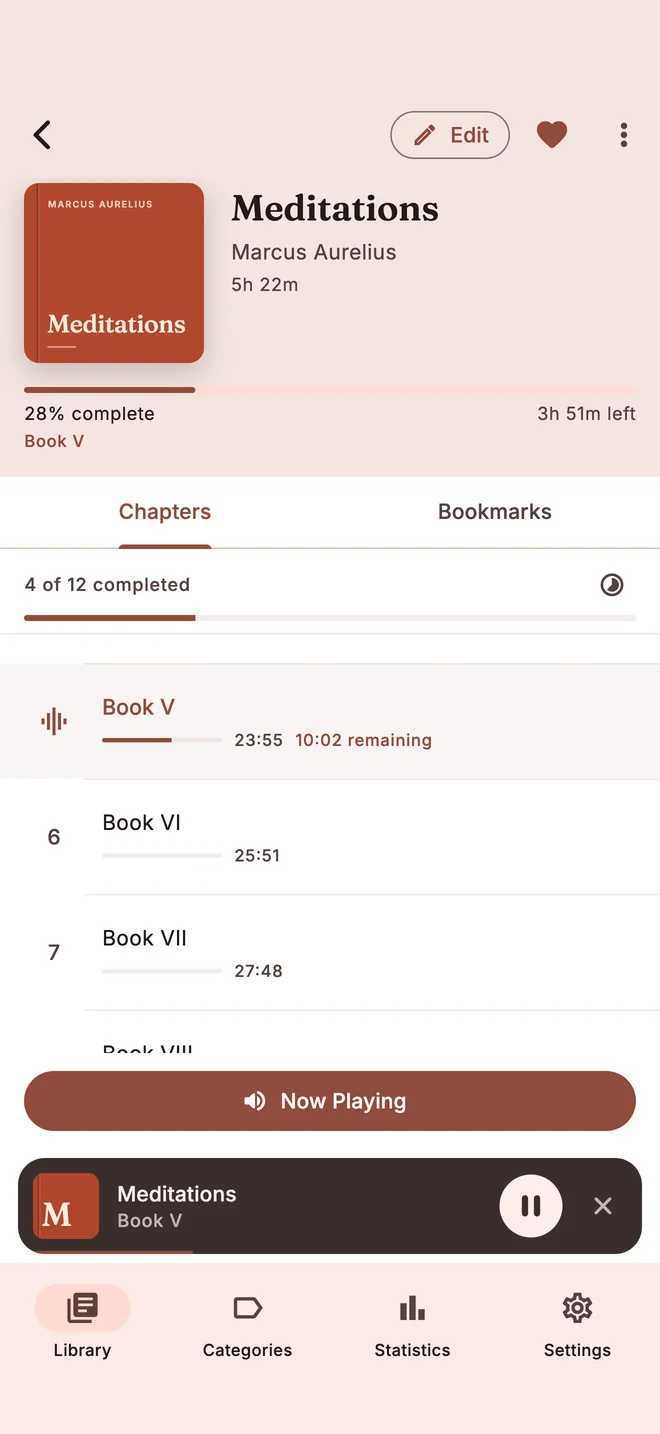
Chapters come from the files themselves: M4B and MP3 chapter marks, OverDrive and Libby downloads, CUE sheets, FLAC, Ogg and Matroska. A book in two parts can be merged into one, and booklets (PDF) and descriptions stay with the book.
M4B · MP3 · M4A · AAC · FLAC · OPUS · OGG · WAV · ZIP and more
Audiobooks are not included. Audia plays DRM-free files you own, not titles locked inside other stores' apps.

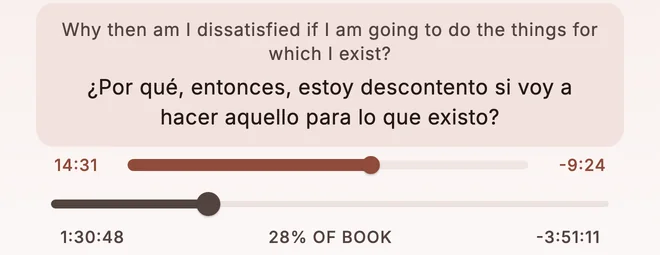
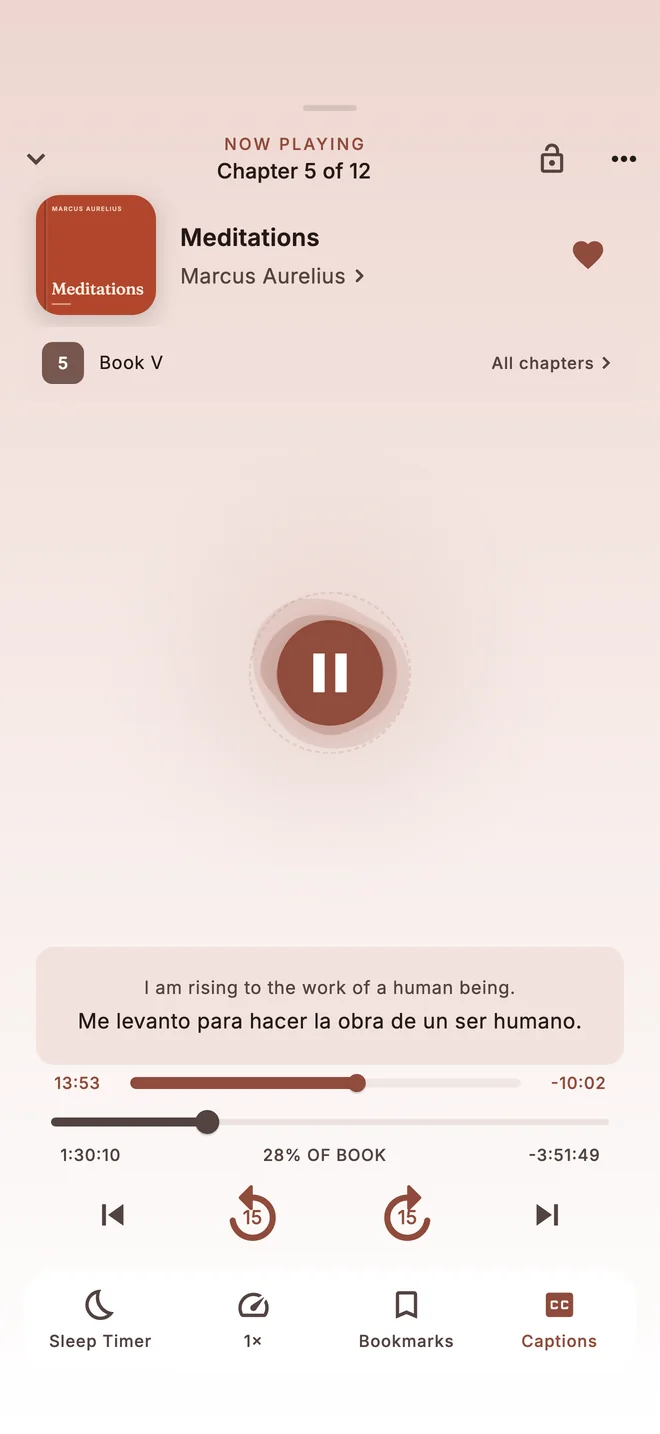
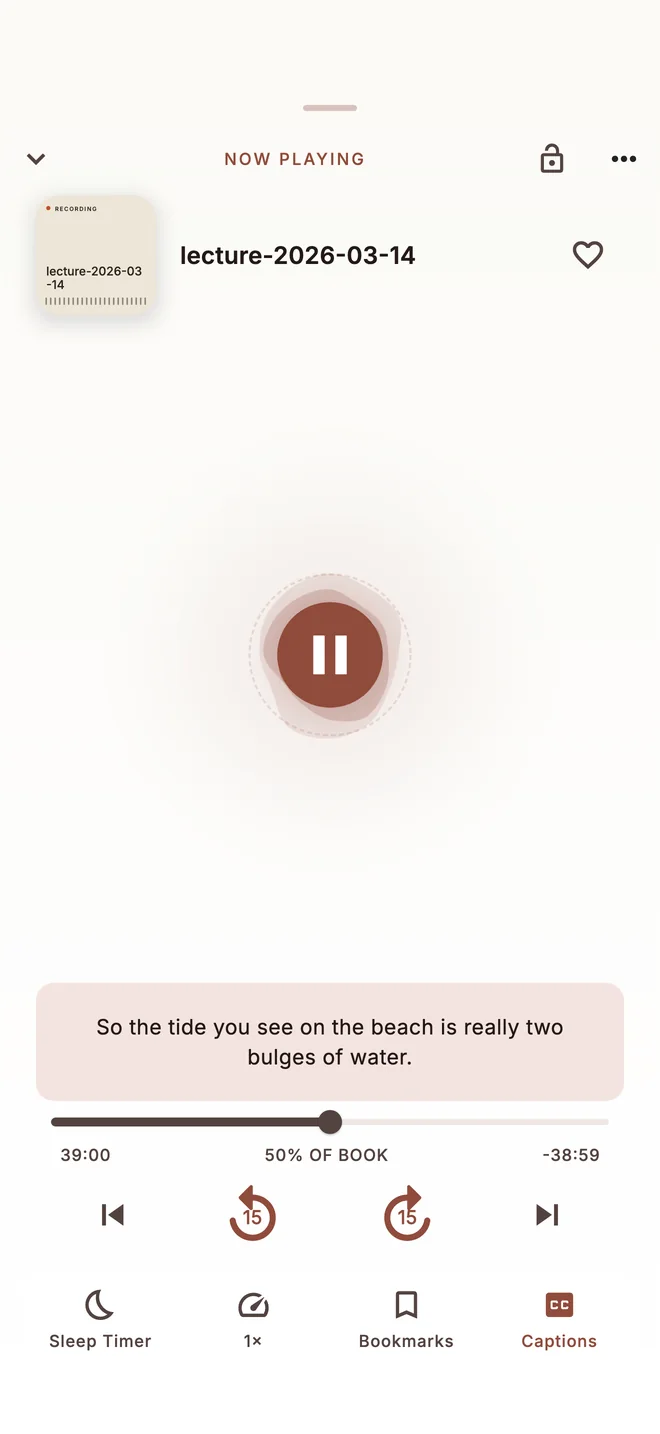
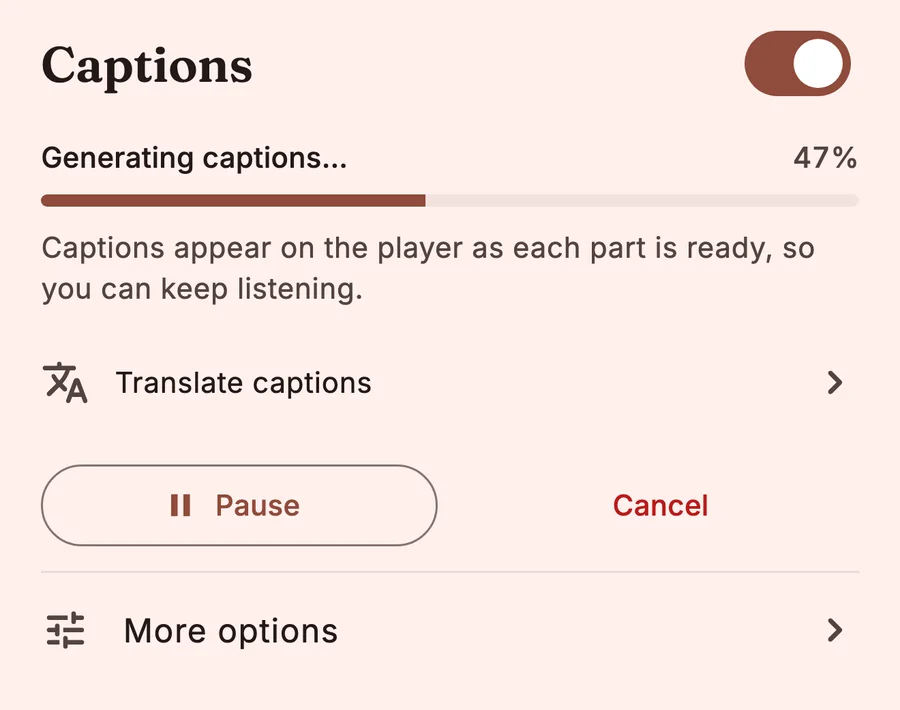
Turn on captions and follow the narration line by line. Translate them into 50+ languages — even while they are still being made.
Captions are created on your device for 25 spoken languages, so your audio never leaves your phone. Accuracy depends on the recording. Already have subtitles? Load .srt, .vtt or .lrc files free, and AI captions start where you are listening.
Included with Premium



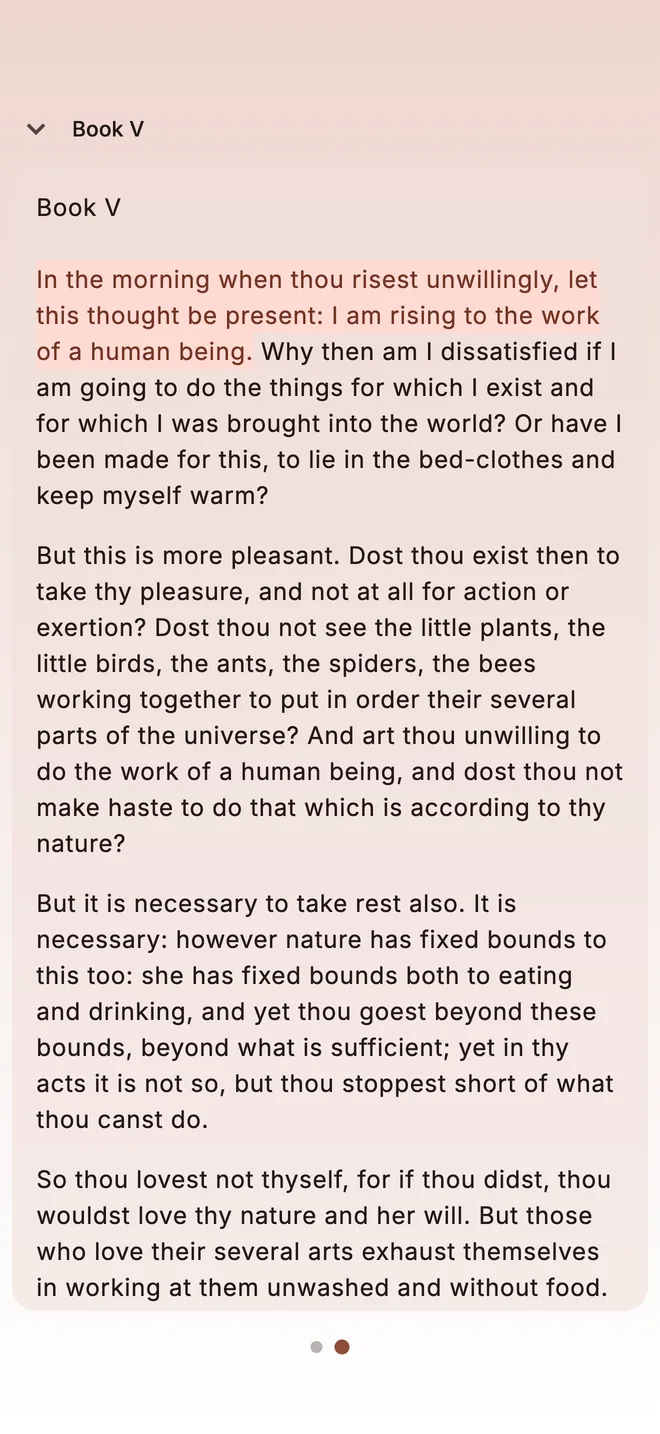
Keep the ebook (EPUB) next to the audio and swipe the player to its text. The sentence being read lights up as the narrator goes, page after page.
The text is matched to the narration on your device. Long-press a paragraph to jump the audio there. A different edition or translation is detected and shown as plain text.
Included with Premium
Lectures, interviews, podcasts, voice notes: Audia transcribes them privately on your device. Keep listening while the captions appear.
Included with Premium
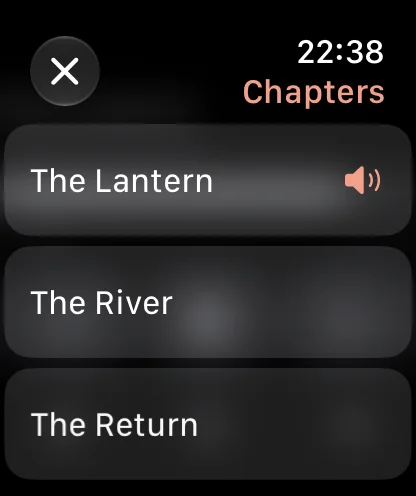
See what’s playing, pause, skip back, jump to a chapter, set the sleep timer or drop a bookmark — from your Apple Watch, with the phone in your pocket.
The watch is a remote for Audia on your iPhone. Sleep timer and bookmarks are included with Premium.
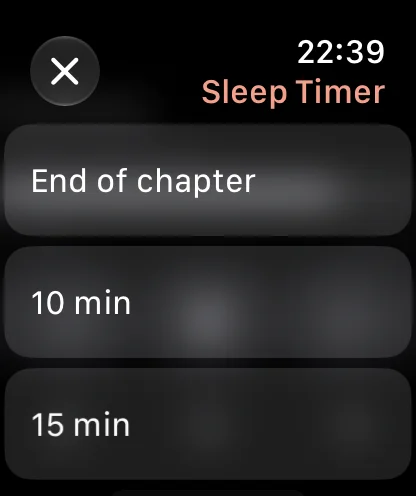
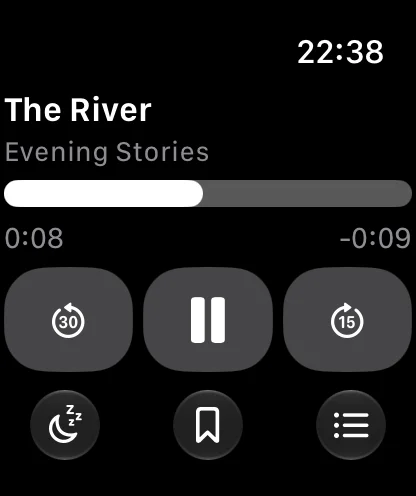
Stop after a set time, after one or more chapters or when the book ends. A soft chime before it stops; shake the phone, skip or turn up the volume for more time, or let it start by itself at night.
Included with Premium
Android Auto and CarPlay. Resume in one tap, change chapter or speed, and save a bookmark hands-free. Or just ask Siri to play a book by name.
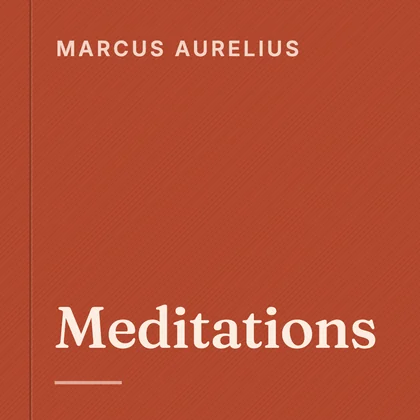
Search, filter and sort. Group books, podcasts and lectures into your own categories, or import new ones straight into one.
Categories included with Premium
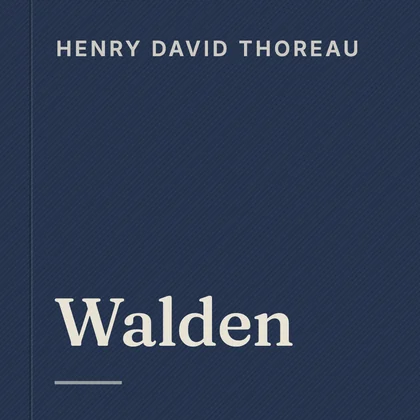
Chapters you can rename, bookmarks with notes you can nudge and export, listening history, statistics and daily goals.
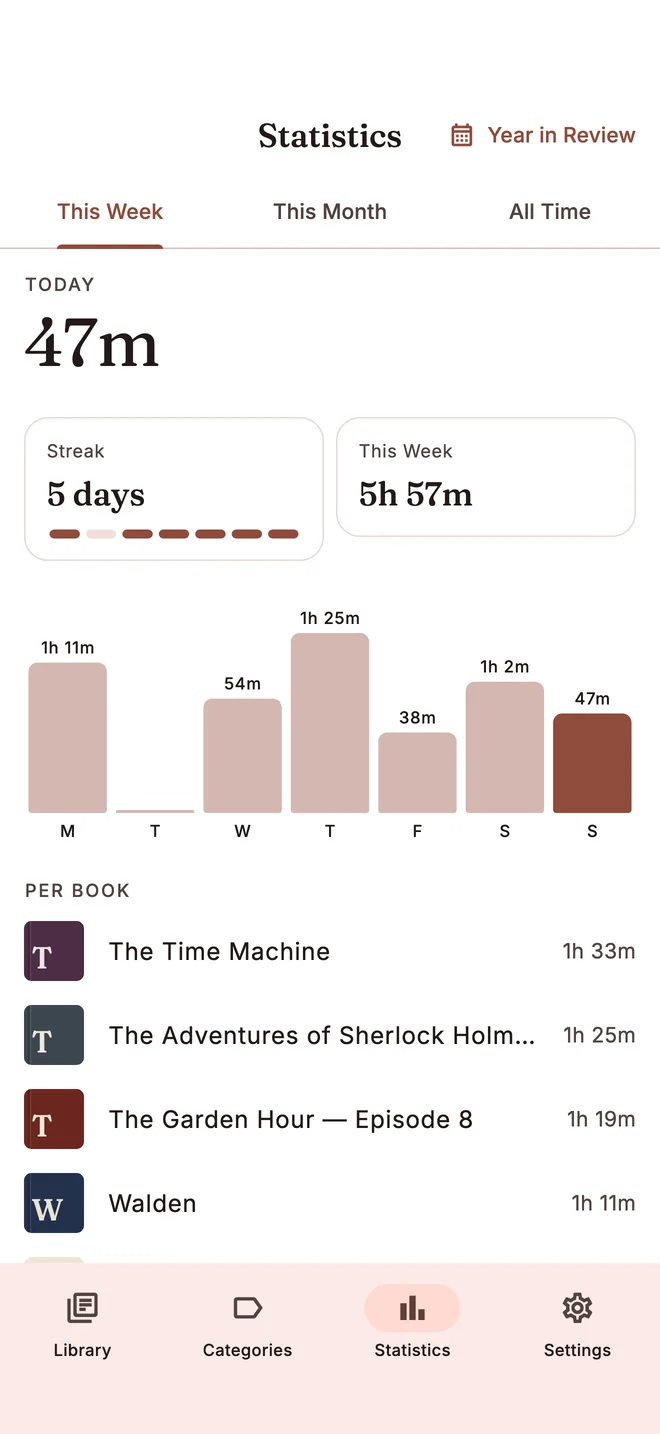
Apple Watch remoteSpeed 0.5×–3דBack to” after a mistapSiri and ShortcutsHome-screen widgetAuto-rewindUp Next queueBackup and sync38 languages
Try every Premium tool free for 14 days from the first launch. There is no subscription and no automatic charge — buy Premium only if you want to keep it.
Free
Everything you need to listen.
$8.99one time
Every advanced tool, yours to keep.
$8.99 is the US price; your store shows the price in your currency. Restore your purchase on any device signed in to the same App Store or Google Play account.
Open the app and listen. Nothing to sign up for.
Audia is paid for by people who choose Premium.
No analytics, no advertising IDs. A crash report only if you choose to send one.
Your files, library, captions and progress stay on your phone.
Read the privacy policy for the details, including the optional caption and translation model downloads.
No. Audia is a player for audio files you already own — audiobooks, podcasts you have downloaded, lectures and your own recordings. It doesn't sell or stream books.
Only if you have DRM-free files. Titles protected by another store's copy protection can only be played in that store's app.
M4B, MP3, M4A, AAC, FLAC, OPUS, OGG and WAV, plus AIFF and CAF on iPhone and MKA on Android, or a ZIP of them. Audio-only MP4 files work when you add them yourself. Playback of a particular file depends on what your device supports. Books split across many files are grouped into one book with chapters.
Yes. Listening never needs a connection. The internet is used only for the optional one-time downloads of caption and translation models, and for purchases through your app store.
Install Audia, open Settings, go to Premium and tap Restore purchases while signed in to the same App Store or Google Play account you bought it with.
Basic listening stays free and nothing is charged. Premium tools are paused until you choose to buy Premium.
iPhone and iPad from the App Store, with a remote on Apple Watch, and Android phones and tablets running Android 7.0 or later from Google Play. Android Auto and CarPlay are supported in the car.
Send a message through the support page and include your device and app version if you can.
Free on the App Store and Google Play.